We’re excited
about the ongoing upward trend in the number of completed WebXPRT 4 runs that we’re
seeing each month. OEM and tech press labs are responsible for a significant
amount of that growth, and many of them use WebXPRT’s automation features to
complete large blocks of hands-off testing at one time. We realize that many
new WebXPRT users may be unfamiliar with the benchmark’s automation tools, so
we decided to provide a quick guide to WebXPRT automation in today’s blog.
Whether you’re testing one or 1,000 devices, the instructions below can help
save you some time.
WebXPRT 4
allows users to run scripts in an automated fashion and control test execution
by appending parameters and values to the WebXPRT URL. Three parameters are
available:
- test type
- test scenarios
- results
Below, you’ll
find a description of those parameters and instructions for how you can use
them to automate your test runs.
Test type
The WebXPRT automation framework accounts for two test types: (1) the six core workloads, and (2) any experimental workloads we might add in future builds. There are currently no experimental tests in WebXPRT 4, so always set the test type variable to 1.
Test scenario
The test
scenario parameter lets you specify which subtest workloads to run by using the
following codes:
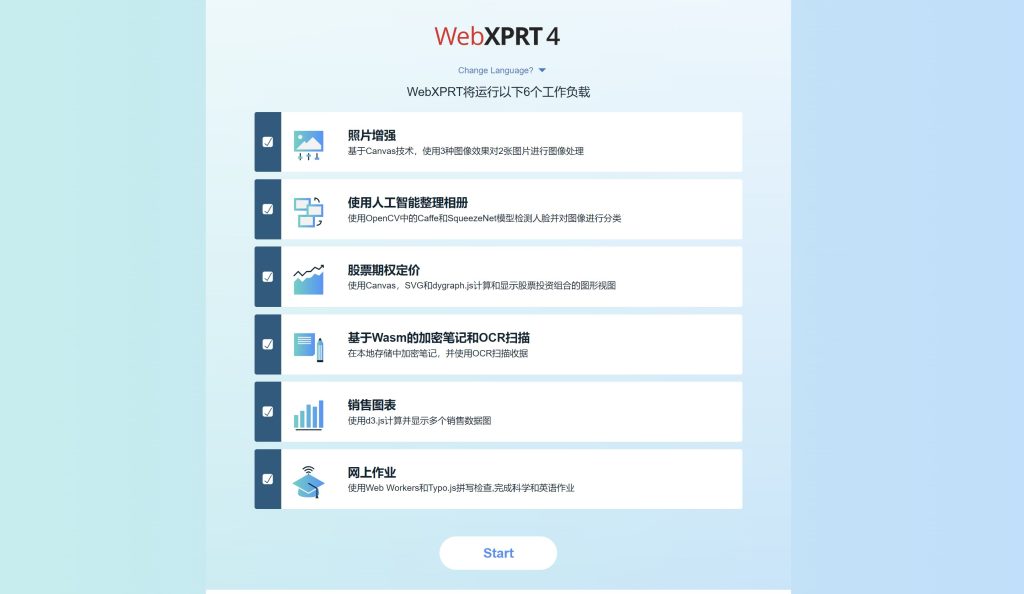
- Photo enhancement: 1
- Organize album using AI: 2
- Stock option pricing: 4
- Encrypt notes and OCR scan using WASM: 8
- Sales graphs: 16
- Online homework: 32
To run a
single subtest workload, use its code. To run multiple workloads, use the sum
of their codes. For example, to run Stock options pricing (4) and Encrypt notes
and OCR scan (8), use the sum of 12. To run all core tests, use 63, the sum of
all the individual test codes (1 + 2 + 4 + 8 + 16 + 32 = 63).
Results format
The results
format parameter lets you select the format of the results:
- Display the result as an HTML table: 1
- Display the result as XML: 2
- Display the result as CSV: 3
- Download the result as CSV: 4
To use the
automation feature, start with the URL https://www.principledtechnologies.com/benchmarkxprt/webxprt/2021/wx4_build_3_7_3, append a
question mark (?), and add the parameters and values separated by ampersands
(&). For example, to run all the core tests and download the results, you
would use the following URL: https://principledtechnologies.com/benchmarkxprt/webxprt/2021/wx4_build_3_7_3/auto.php?testtype=1&tests=63&result=4
We hope
WebXPRT 4’s automation features will make testing easier for you. If you have
any questions about WebXPRT or the automation process, please feel free to ask!
Justin